CS Form No. 212
Revised 2026 Current
Includes monthly salary and salary / job / pay grade fields in Work Experience.
CS FORM NO. 212
Prepare your details, save a draft, and review the printed form. Free to use. No account required.
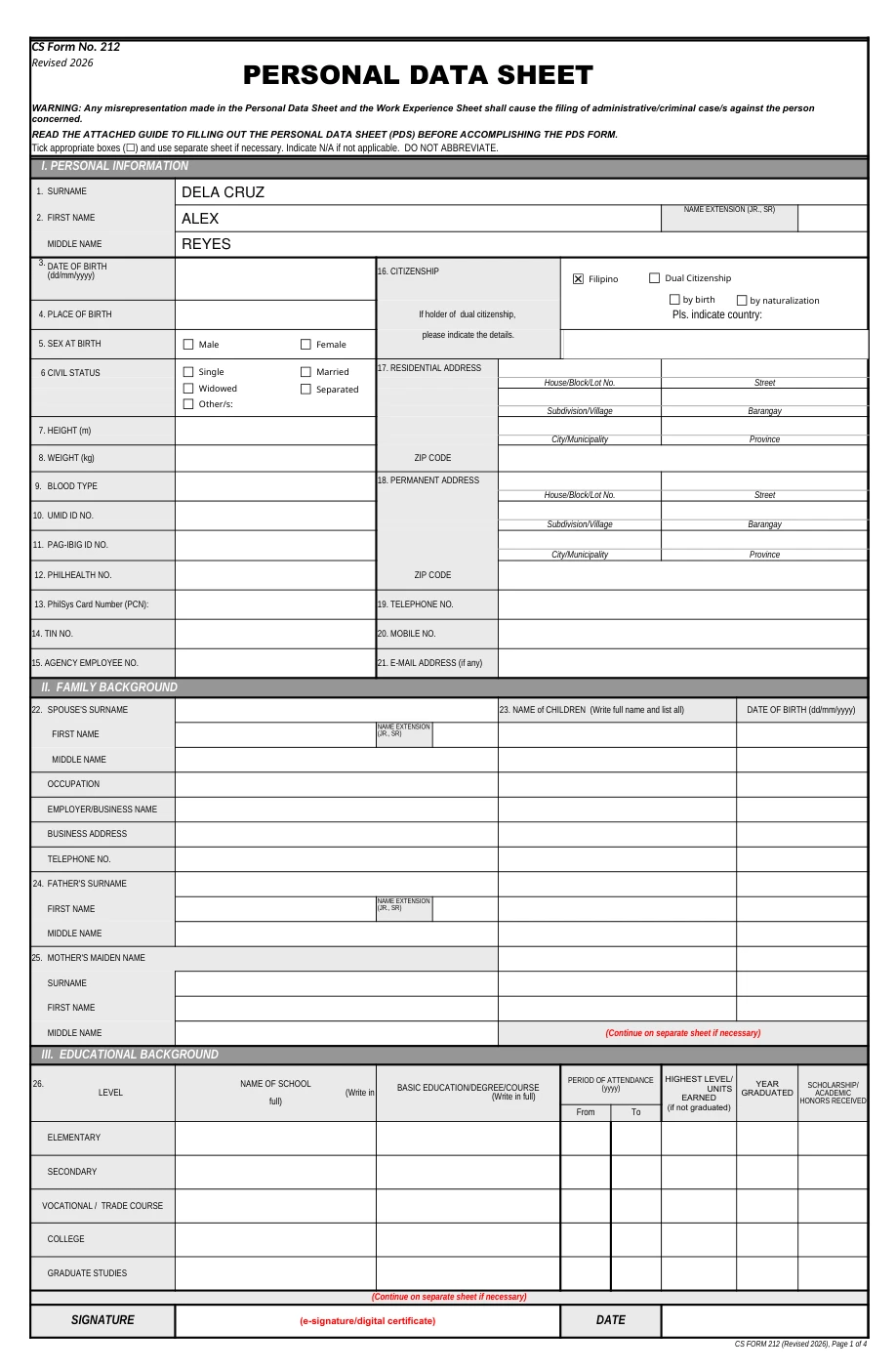
Try the example below. Create a draft to save your own answers.
Example data. Not saved.
The preview is a PDF print conversion of the CSC workbook. The original Excel forms are linked below.
THE WORKFLOW
Name your draft and select the form requested by your receiving agency.
Your answers save automatically in this browser. Return to any named draft later.
Review the four PDS pages and the Work Experience Sheet, then download them together as a draft PDF.
ORIGINAL DOCUMENTS
These links open the original Excel and Word files
on the Civil Service Commission’s website.
Revised 2026 Current
Includes monthly salary and salary / job / pay grade fields in Work Experience.
Revised 2025 Previous
The previous revision. Use it when specifically requested by your receiving agency.
Annex H-2 · Attachment to CS Form No. 212
The same CSC Annex H-2 attachment is used for both supported PDS revisions. Includes your actual duties, accomplishments, signature and date.
PDS Studio is independent of the CSC. Check the receiving agency’s instructions for the required form and supporting documents.
BROWSER STORAGE
Your answers are stored in this browser. No account, cloud upload, or application data sent to a server.
Create several named drafts. Rename, duplicate, or delete them in My drafts.
Clearing website data or changing browsers can remove access to your drafts.
QUESTIONS
All sections of the PDS and its Work Experience Sheet are editable. Preview pages 1–4 for the PDS and page 5 for WES. Download PDS + WES exports the same combined document. Long answers and additional records continue on extra pages. Review your data, photo, signature and receiving agency’s requirements before submission.
Add your jobs in Work experience, then open Work Experience Sheet under Go to section. Your dates, position and agency are shared. Add your office/unit, supervisor, location, accomplishments and actual duties, and choose which entries to include. The WES uses your saved signature, name and date. Select page 5 to preview it. Long entries add pages; selecting No work experience / N/A prints N/A.
The original source files are CSC Excel workbooks. The website converts their print layouts to PDF and adds your answers. A conversion can differ from Microsoft Excel’s printed output. Use the Original Excel links above to inspect the source. The PDF preview is not a separate PDF published by CSC.
The background is automatically replaced with white, then the photo is added to your PDS. Processing happens on your device. The photo tools load on the first upload, which can take a moment. Use a clear photo of yourself and check the finished image in the preview.
Download your PDS and Work Experience Sheet together as a PDF matching the preview. Use Review draft to check missing or invalid answers before submitting.
Yes, in the same browser and on the same device, provided its website data has not been cleared. Private browsing may not retain drafts. Use Download backup in My drafts to save your work as a file, then Upload backup to restore it in this browser or on another device.
Click ? for help. Type N to offer N/A, then press Tab or select the suggestion.